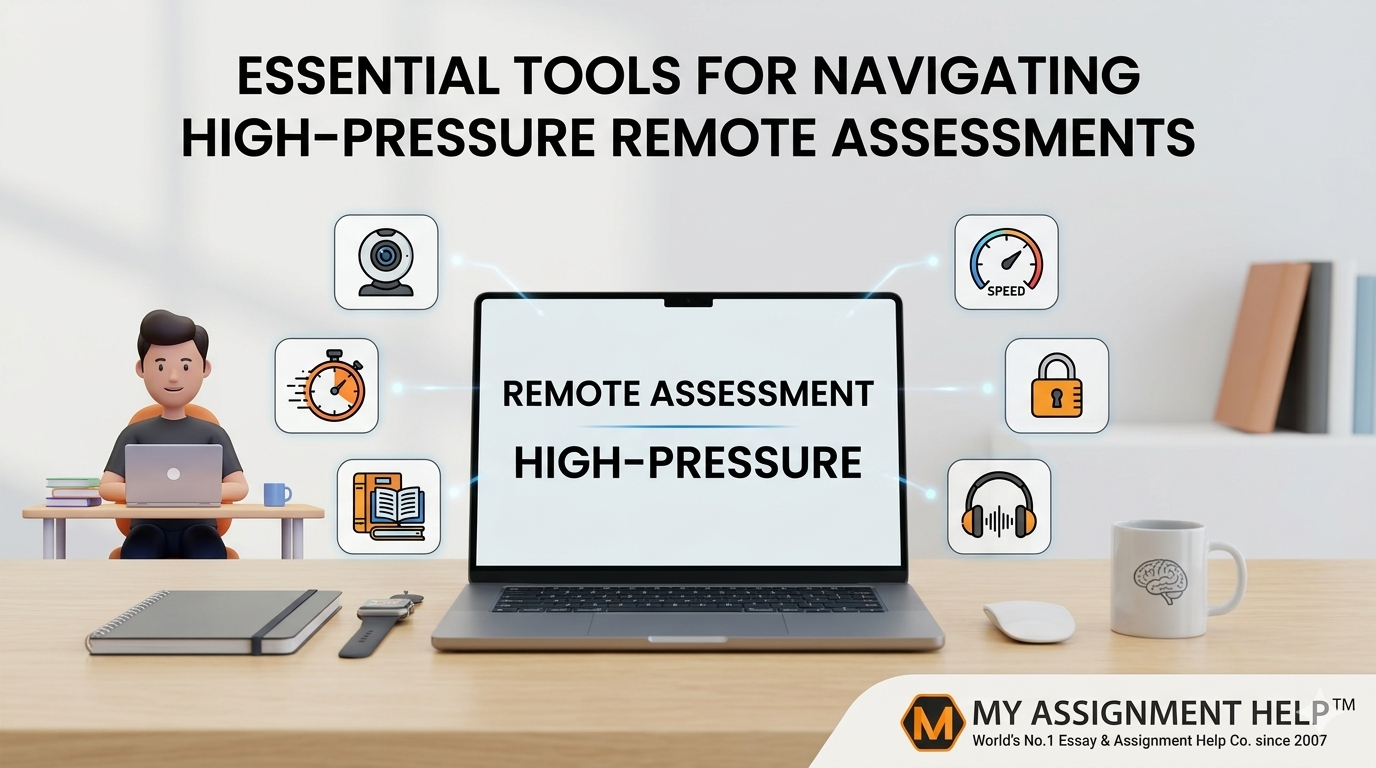
Mastering the Digital Proctor: Essential Tools for Navigating High-Pressure Remote Assessments
The landscape of higher education in the United States has undergone a seismic shift. As of 2024, data from the National Center for Education Statistics (NCES) indicates that over 54% of college students are enrolled in at least one distance education course. With this transition, the traditional blue-book exam has been replaced by high-pressure remote assessments—timed, digitally proctored, and technically demanding.
Navigating these assessments requires more than just subject matter expertise; it demands a robust digital infrastructure. For students balancing rigorous credit loads alongside professional responsibilities, the technical overhead can be overwhelming. Many students find themselves searching for professional assistance, often looking for someone to do my homework or manage complex projects while they focus on mastering the specific software required for their finals.
Success in a remote testing environment is a trifecta of psychological readiness, environmental control, and the right toolkit. This guide breaks down the essential tools and strategies needed to thrive when the stakes are high and the timer is ticking.
1. The Core Infrastructure: Hardware and Connectivity
Before the first question appears on the screen, your physical setup determines your ceiling for success.
High-Speed Stability
A lag of even five seconds can trigger a “suspicious activity” flag in AI-driven proctoring software like Proctorio or Honorlock.
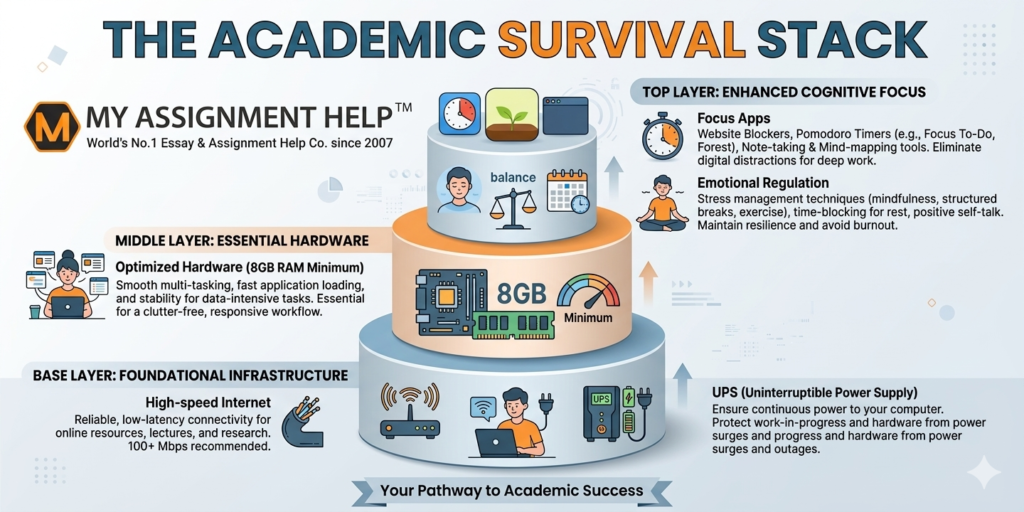
- Ethernet over Wi-Fi: Always use a hardwired connection. Wi-Fi signals are prone to interference from household appliances.
- Bandwidth Management: Use tools like Speedtest by Ookla to ensure a minimum upload/download speed of 10 Mbps. Ensure other household members are not streaming 4K video during your window.
Redundancy Tools
- Uninterruptible Power Supply (UPS): For students in areas prone to power surges, a small UPS ensures your router and laptop stay live during a momentary flicker.
- Mobile Hotspot Backup: Have your smartphone tethering settings pre-configured. If your ISP fails, switching to a 5G hotspot can save your session.
2. Proctoring Compatibility and Security
Remote assessments often come with “Lockdown Browsers.” These programs prevent you from opening new tabs, taking screenshots, or using external messaging apps.
Navigating System Constraints
Understanding the limitations of these tools is vital. If the technical requirements of a specialized certification or a complex STEM final seem insurmountable, some students choose to pay someone to do my exam to ensure that technical glitches don’t result in an automatic failure. This allows them to focus on learning the material without the administrative anxiety of digital proctoring failures.
Privacy and Permissions
- Sandbox Testing: Most universities provide a “practice quiz” to test proctoring software. Use this to ensure your webcam permissions and microphone levels are calibrated.
- Background Management: Use a clean, well-lit space. AI proctors flag frequent head movements or background noise, which can lead to a manual review by the instructor.
3. Cognitive and Productivity Tools
High-pressure environments induce “cognitive load,” where the effort of managing the interface competes with the effort of solving the problem.
Focus Enhancement
- Cold Turkey / Freedom: These apps block distracting websites (social media, news) at the system level. Even if you aren’t using a lockdown browser, these tools create a focused “deep work” environment.
- Forest: A gamified focus tool that prevents you from touching your phone during the exam period.
Digital Scratchpads and Mathematics
For quantitative subjects, traditional paper can sometimes be flagged as “cheating material” by strict AI.
- Miro or Microsoft Whiteboard: If permitted, digital whiteboards allow for organized brainstorming.
- Desmos/WolframAlpha: Ensure you know which version of these calculators is allowed. Often, only the “Scientific” version is permitted rather than the “Graphing” version.
4. Data-Driven Insights: Why Students Struggle
According to a 2025 study by the Journal of Educational Technology Systems, the primary reasons for underperformance in remote assessments are:
- Technical Anxiety (42%): Fear of the software crashing.
- Environmental Distractions (28%): Noise or interruptions.
- Time Management (22%): Difficulty tracking time without a physical proctor.
5. Emotional Regulation and Biofeedback
Under high pressure, the prefrontal cortex—the part of the brain responsible for logical reasoning—can “shut down” due to cortisol spikes.
- HeartMath: This tool helps students monitor their heart rate variability (HRV) to maintain a state of “coherence” or calm focus.
- Paced Breathing Apps: Taking 60 seconds for a box-breathing exercise before clicking “Start” can improve recall accuracy by up to 15%.
Key Takeaways
- Prioritize Stability: Always favor a wired connection and have a 5G hotspot ready as a backup.
- Test Early: Use sandbox environments to clear permissions for webcams and microphones 24 hours before the exam.
- Manage Cognitive Load: Use site-blockers to eliminate digital distractions and focus entirely on the assessment.
- Seek Support: If the technical and academic pressure becomes a barrier to your degree progress, professional academic services can provide a bridge.
See also: The Role of Technology in Education Platforms
FAQ Section
Q: Can proctoring software see my phone?
A: Most software uses the webcam to monitor your field of vision. If you look down at a phone frequently, the AI will flag the behavior for review.
Q: What happens if my internet cuts out mid-exam?
A: Immediately take a photo of the error screen with your phone (time-stamped) and contact your instructor or the technical support line provided by the testing platform.
Q: Is it better to use a laptop or a desktop?
A: A laptop is generally better because it has a built-in battery (acting as a UPS) in case of a power outage, provided it meets the RAM and processing requirements.
Author Profile: Dr. Elizabeth Miller
Senior Academic Strategist at MyAssignmentHelp Dr. Elizabeth Miller holds a Ph.D. in Educational Psychology from NYU. With over a decade of experience in curriculum design and digital learning, she specializes in helping students optimize their performance in virtual environments. At MyAssignmentHelp, Dr. Miller leads the quality assurance team, ensuring that all academic support follows strict E-E-A-T guidelines to provide students with authoritative and trustworthy guidance.
References
- National Center for Education Statistics (2024). Fast Facts: Distance Learning.
- Journal of Educational Technology Systems (2025). Impact of Remote Proctoring on Student Performance.
- HESA (Higher Education Statistics Agency). Digital Transformation Trends in Global Education.